To help faster
Please describe what you tried, what happened instead, and your device model and operating-system version.
Never send your password. Remove personal details from screenshots when they are not needed.
Delete account and data
You can delete your account directly in Routeo under Settings, Account, Delete account, or request deletion outside the app.
Frequently asked questions
Can we share a vehicle and keep a logbook together?
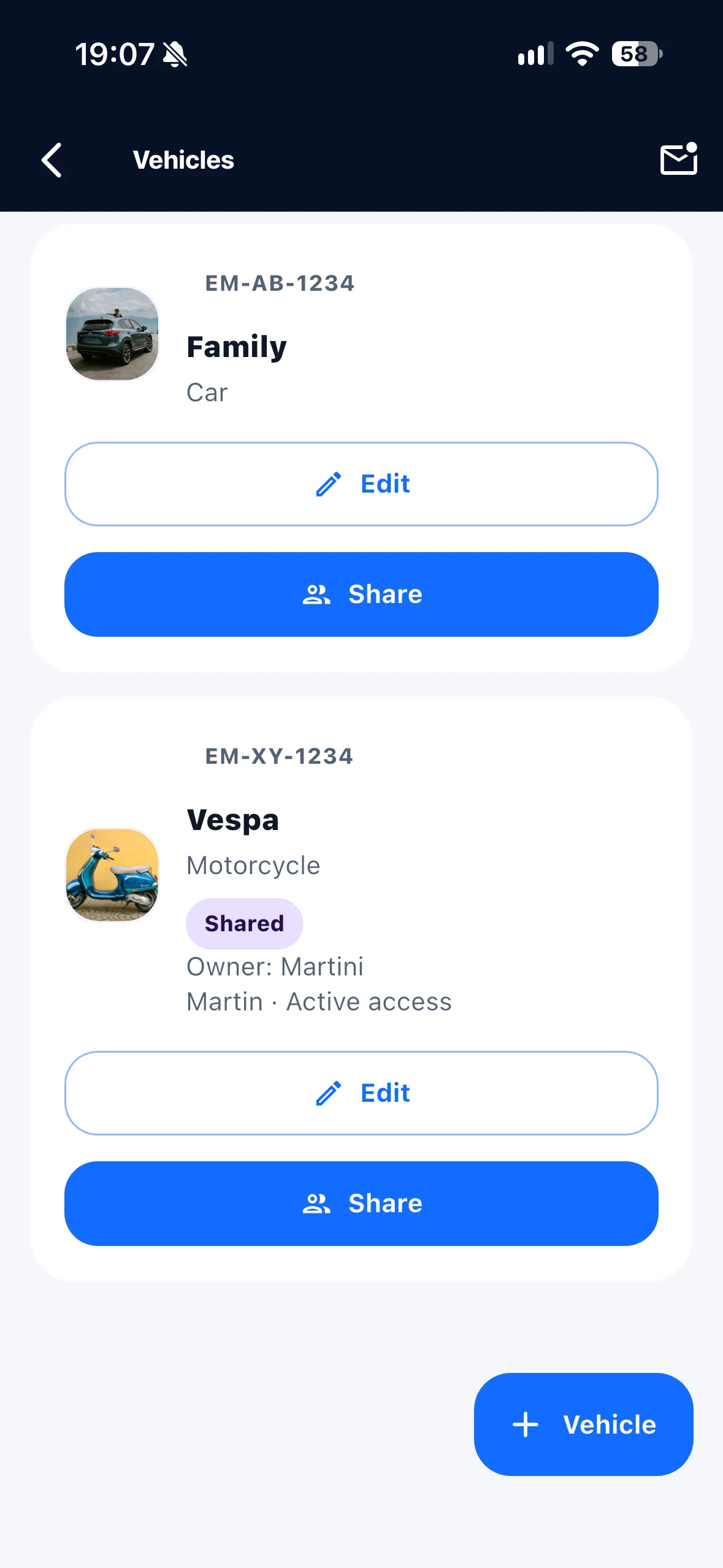
Yes, from Routeo 1.4.4. The owner invites other people. After explicitly accepting, they can record trips for that vehicle with their own accounts and view its shared history, including earlier trips. Other vehicles and account data remain private.
Who is Routeo for?
Routeo is for private users who want to document their own drives clearly and simply.
Can I manage several vehicles?
Yes. You can add multiple vehicles and assign each trip to the right vehicle.
Does Routeo show saved routes on a map?
Yes. Saved trips can be reviewed with map, start, destination, duration and distance.